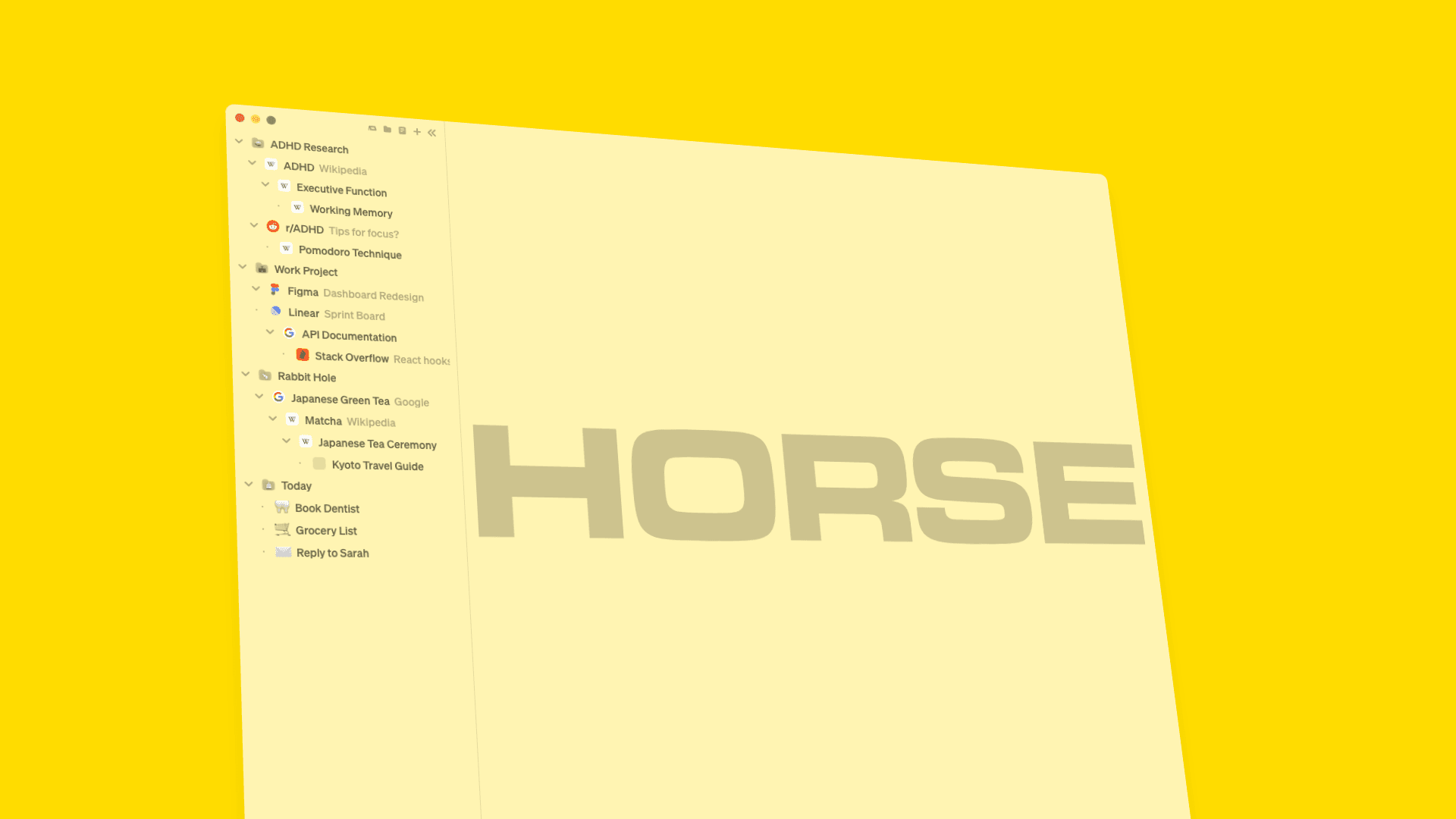
ADHD overwhelm has a specific shape. It is the moment you have thirty-seven tabs open, you cannot find the one you actually need, your chest is doing that tight thing, and somewhere a productivity influencer is telling you to "just close them all and start fresh." You ignore the influencer. You should keep ignoring the influencer. The tabs are not the problem; the tabs were the symptom you reached for because the actual problem, your browser, is invisible.
Yeah, we fixed that.
I have ADHD. I built Horse Browser because the daily ADHD-overwhelm drumbeat that lives inside your browser was eating my work life, and twenty years of "tab manager" extensions did absolutely nothing about it. This article is about why that drumbeat exists, why it keeps getting blamed on you, and what changes when the browser stops causing it.
"I used to get overwhelmed by the sheer number of tabs I had open, always worried I’d lose track of something important. With Horse, I don’t have to micromanage my browser anymore. Everything stays organised, and I can focus on what I’m actually doing."
Every Tab Is a Possibility
Every tab is a possibility. Every link, a distraction dressed as a breakthrough. Traditional browsers were designed for someone whose thoughts don’t vanish the moment their eyes leave the screen. That person exists, statistically, somewhere. They’re probably fine. We’re talking about everyone else¹.
For ADHD brains, "out of sight, out of mind" is not a figure of speech. It’s a literal description of how working memory operates. Close a tab and that thought is gone. So we leave them open. Five becomes fifteen. Fifteen becomes thirty-seven. Each one is a visual lifeline to something you were doing, something you need to come back to, something you’re afraid will disappear.
The tabs themselves then become the problem. The coping strategy, keeping things visible, turns into visual clutter that makes everything harder to find. The tool you reached for to remember things ends up being the thing drowning you in things to remember. This is the entire ADHD-overwhelm mechanism, fully deployed in the browser, every day, for free.
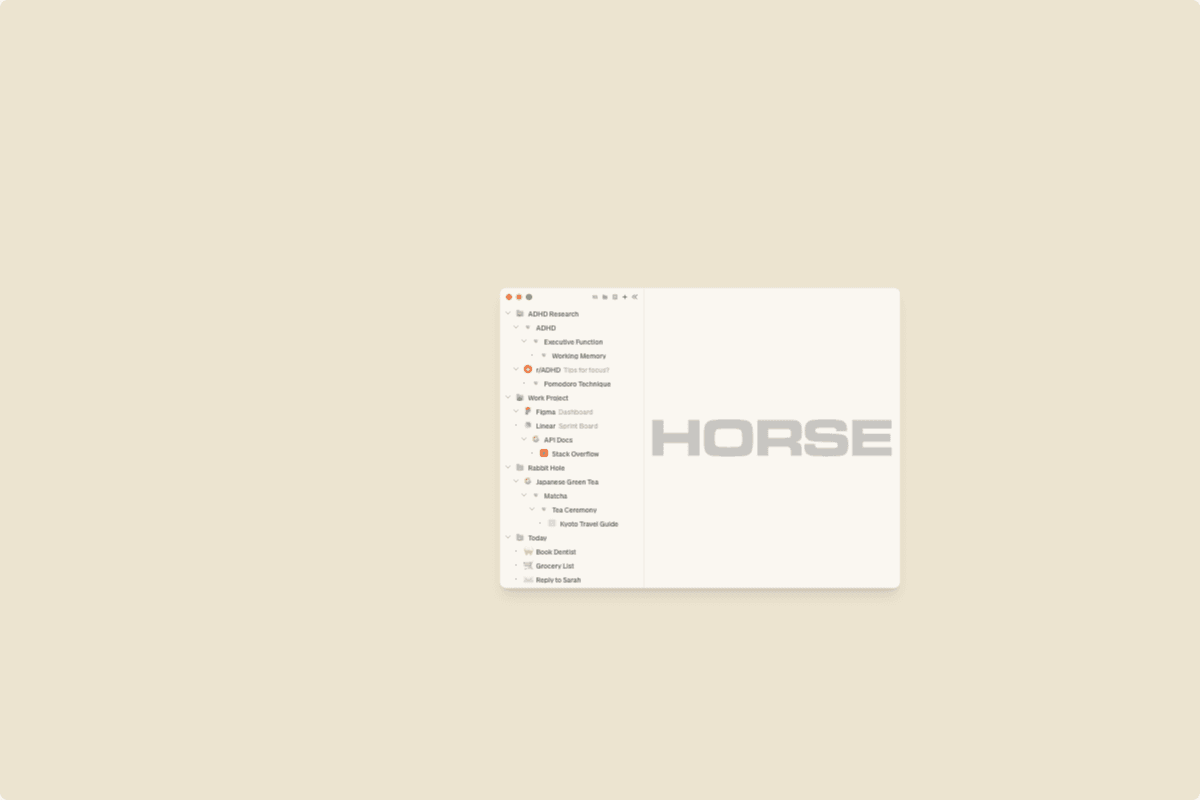
The Overwhelm Spiral
The spiral is predictable. You open tabs to remember things. The tabs pile up. You can’t find what you need, so you open more tabs searching. The anxiety builds. Eventually, just looking at the browser triggers the overwhelm you opened the browser to escape. If the spiral continues, it tips into ADHD shutdown: close-the-laptop, lie-on-floor, why-am-I-like-this².
And the standard advice? Close your tabs. Use a tab manager. Limit yourself to five. This is the productivity-internet equivalent of telling someone with poor eyesight to squint harder. The problem isn’t that you have too many tabs. The problem is that tabs are the wrong tool for how your brain works, and stacking your day on top of the wrong tool is the thing producing the overwhelm.
Why "Just Close Your Tabs" Cannot Work
I’ve tried every productivity tool and hack the internet has to offer. Pomodoro. RescueTime. To-do lists. Focus apps. Twelve different tab managers across twenty years. None of them solved the browser problem because they all accept the same flawed premise: that the way browsers work is fine and you need to adapt to it³.
It is not fine. The entire concept of a tab, a hidden page you can’t see unless you click on it, is structurally hostile to ADHD brains. It relies on working memory to track what’s where. It punishes following tangents. It destroys context every time you navigate. The cognitive function ADHD affects most is the cognitive function tabs require most. Reading those two sentences together should make you a little angry. It made me a little angry. I built a browser.
So in frustration, ADHDers leave tabs open as visual reminders, sometimes in the hundreds. The tactic creates clutter, leading to overwhelm, leading to more distractibility. It’s a trap with no good options: close the tabs and lose the thoughts, or keep them open and drown in them. The result is task paralysis: frozen between two equally bad branches, achieving nothing.
What Actually Helps
The anxiety of losing a key source. The frustration of not being able to retrace a thought. The cumulative tension that sits behind the eyes by 4pm. None of these are inevitable. They are symptoms of working in a tool not built for your brain. (The same is true of the chair you’re sitting in, but that’s a different article. The browser is the bigger one because you spend eight hours a day inside it.)
What if instead of tabs, every link you clicked branched off visually, like a map of your thinking? What if every tangent stayed traceable? What if you never had to choose between exploring and remembering?
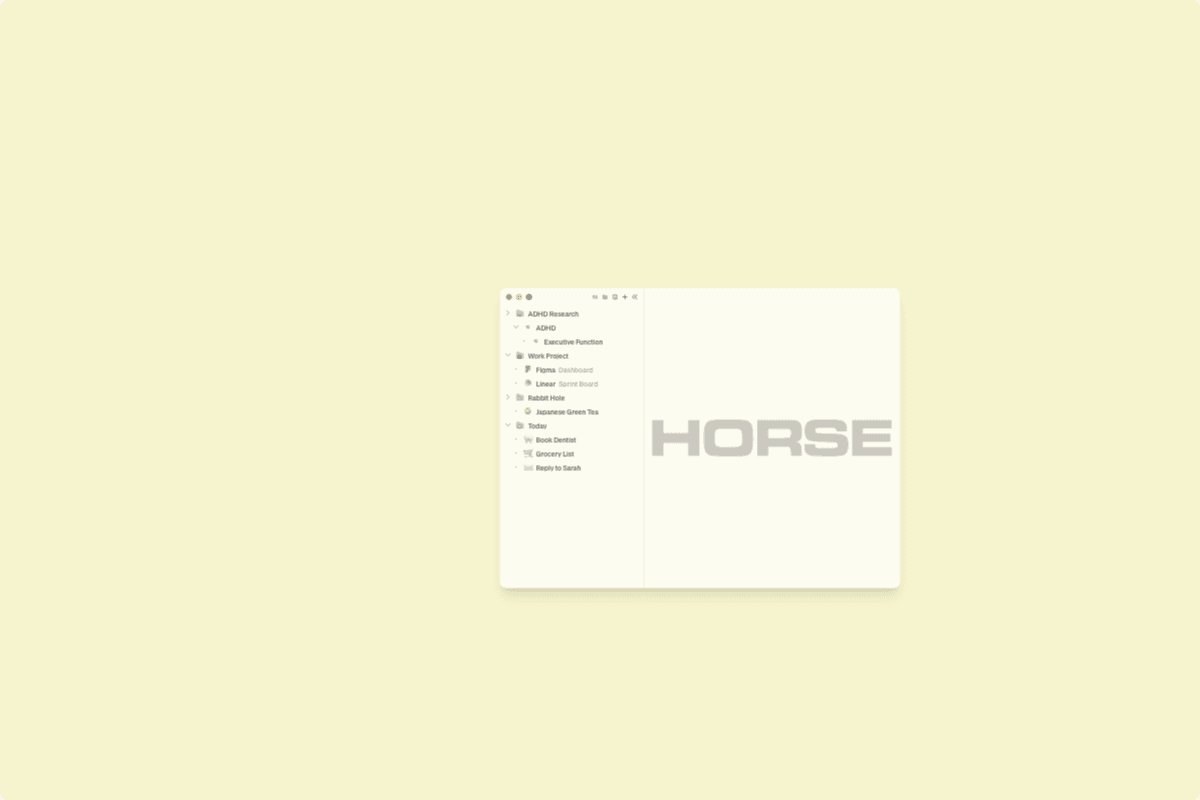
That’s what Trails do. In Horse Browser, clicking a link doesn’t replace what you’re looking at, it branches. Every page stays mapped in a sidebar that shows exactly how you got there. You can wander down tangents without getting lost, because the path back is always visible. Collapse what you’re not working on right now and it folds away, but doesn’t disappear. Object permanence as a feature⁴.
Our users, many of them ADHD adults, describe the change with the same word: calm. Not because the browser does more, but because it stops fighting how the brain already works.
Try Horse Browser free for two weeks. Card upfront, cancel any time before it bills. If your tab anxiety doesn’t drop in the first hour of real work, just don’t pay.
ADHD Overwhelm Isn’t a Character Flaw
The overwhelm isn’t about discipline. It isn’t about focus. It is about using a tool built on a 35-year-old design assumption that everyone thinks in straight lines. If your browser makes you feel overwhelmed, the browser is the problem. Not your brain.
Your brain isn’t broken. Your browser is.
Notes & references
- Most software is designed for an imagined "average user" who does not actually exist. The percentage of humans who have strong working memory, focused linear attention, and high tolerance for visual chaos is small. The rest of us were the silent majority customer of bad software for thirty years.⤴
- We’ve all been there. Some of us were there last Tuesday.⤴
- A tab manager is just a more organized cage. It does not free the bird.⤴
- This sounds clinical until you experience it, at which point it sounds like relief.⤴




