Horse Browser is a web browser that replaces traditional tabs with Trails. Trails automatically save your browsing journey, storing nested pages neatly in the sidebar. No tab clutter — just an organised experience that keeps everything accessible.
One of Horse Browser’s key features is its flexible page-moving system. It helps you group pages by topic or task, reducing context-switching and keeping you focused.
Here’s how you can move individual and multiple pages in Horse Browser:
Moving Pages in Horse Browser
Whether you're reorganising your current Trail or relocating pages to an entirely different Trail, moving pages in Horse Browser is simple.
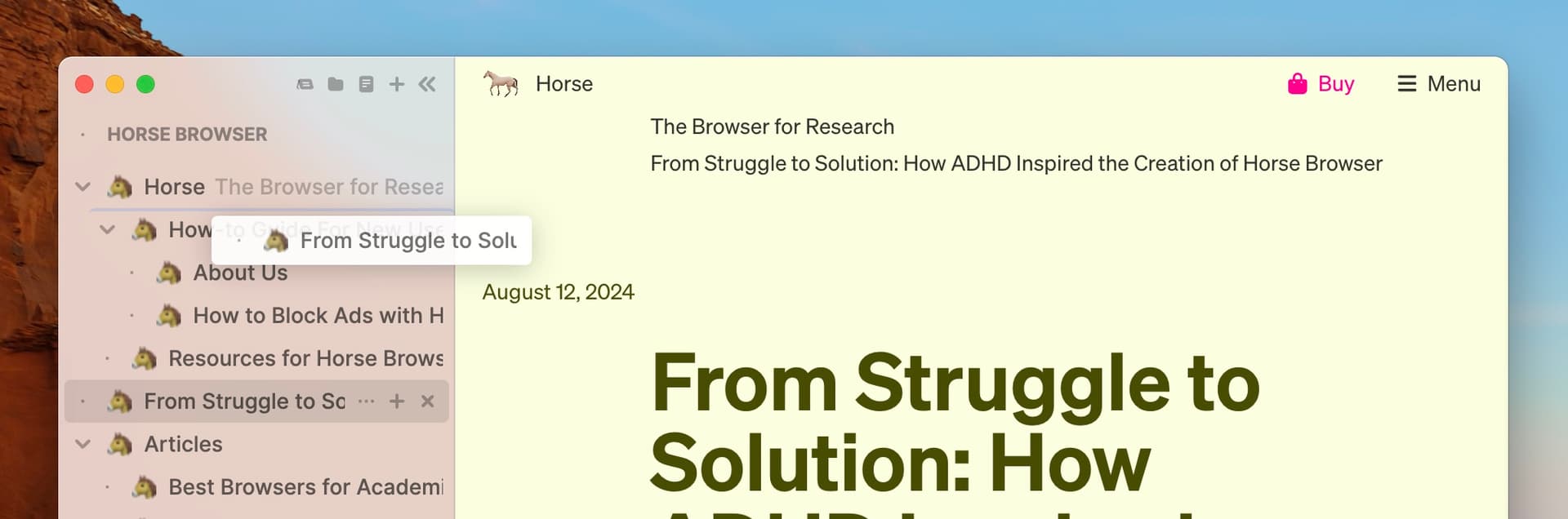
- For mouse users: You can drag-and-drop individual pages to any desired location.
- For keyboard users: Use the following shortcut to move pages quickly:
- Mac: Press ⌥ ⌘ ⇧ + arrow keys.
- Windows/Linux: Press Alt + Ctrl + Shift + arrow keys.

Moving Multiple Pages at Once
If you want to move several pages at the same time:
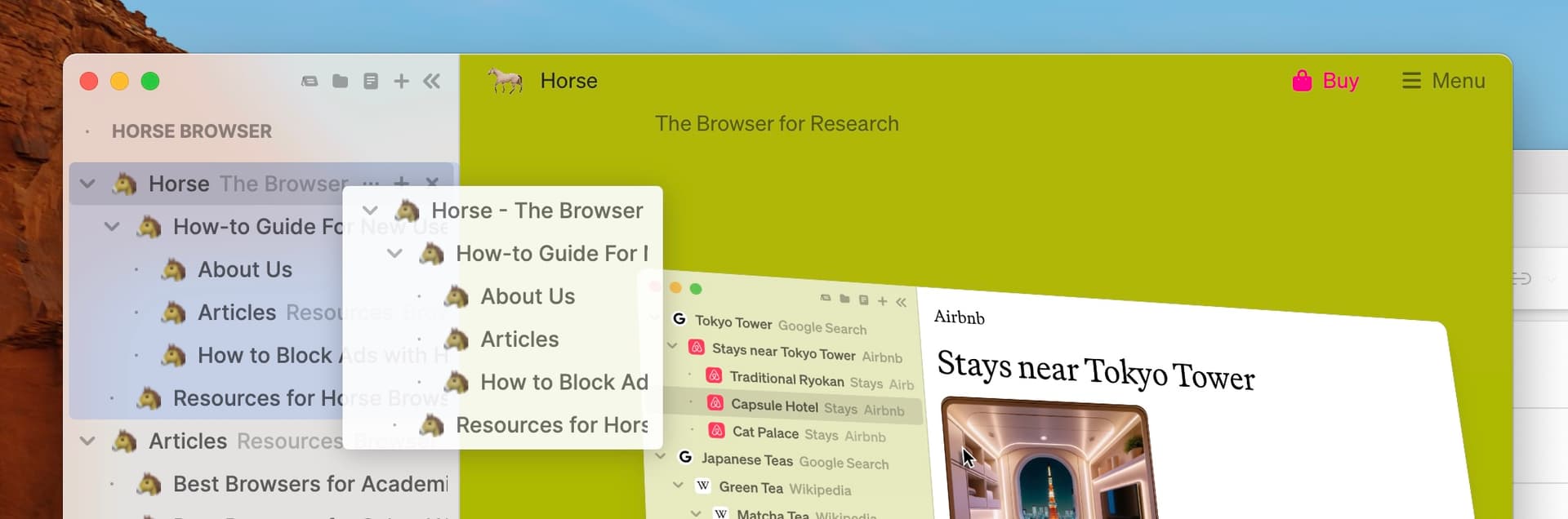
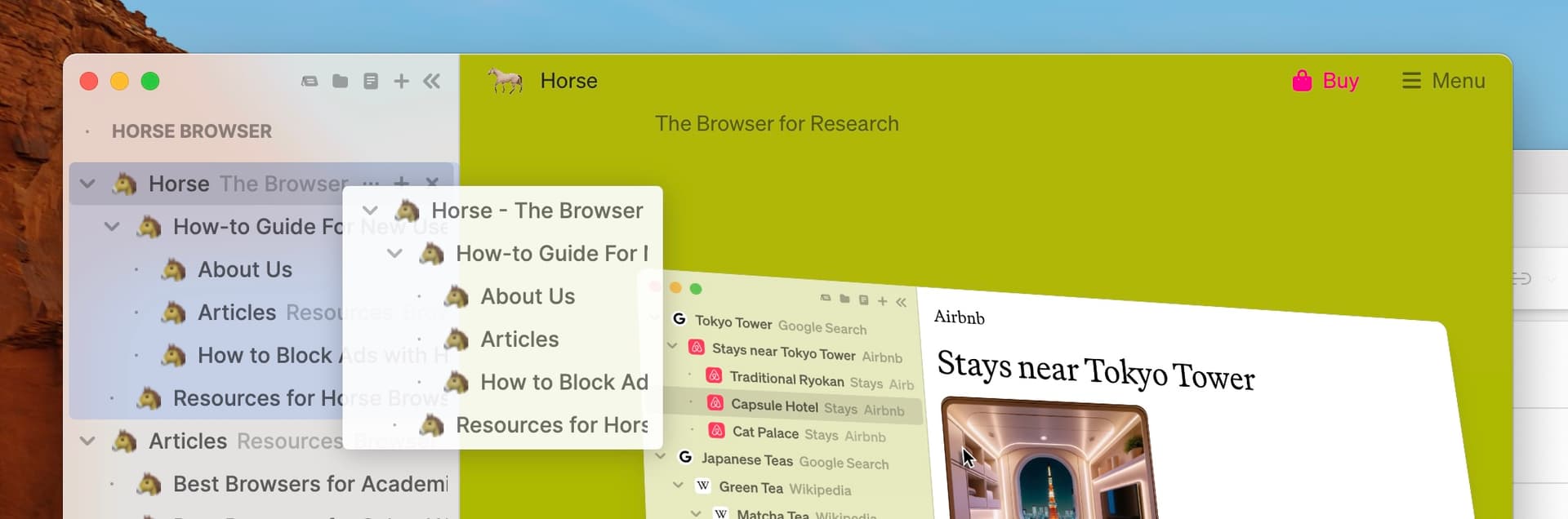
- Select multiple pages by holding ⌘ on Mac or Ctrl on Windows/Linux, then click on the pages you wish to move.
- Drag-and-drop the selected pages to your desired location within the Trail or a different one.

In conclusion
Horse Browser makes it easy to move pages around to where you need them. Group pages by topic or task to reduce context-switching and stay productive.
Ready to browse better? Learn more about Horse Browser here and explore additional guides in our Manual blog series.