The best browser for school work depends on what keeps breaking. Horse Browser preserves the path through a research session. Microsoft Edge is excellent for PDFs and read-aloud. Vivaldi can tile sources and become exactly the study cockpit you want. Brave gives you strong privacy and ad blocking with a familiar browser underneath.
College work already has enough moving parts: the assignment, sources, lecture notes, deadlines, citations, and a PDF named final_FINAL_revised2.pdf. Your browser should take one of those jobs away instead of applying for the role of additional coursework.
The Best Browsers for School Work at a Glance
| Browser | Best for | What to know |
|---|---|---|
| Horse Browser | Research paths and returning after interruption | Trails preserve where every source came from. Desktop only, with three extensions supported in the 3.3 beta. |
| Microsoft Edge | PDFs, read-aloud, and Microsoft accounts | Strong built-in document and reading tools in a free Chromium browser. |
| Vivaldi | Comparing sources and custom study layouts | Deep tab tiling, workspaces, notes, and shortcuts reward setup time. |
| Brave | Privacy and quiet browsing | Strong built-in blocking with standard tab navigation and broad extension support. |
Horse Browser: Best for Keeping the Research Path
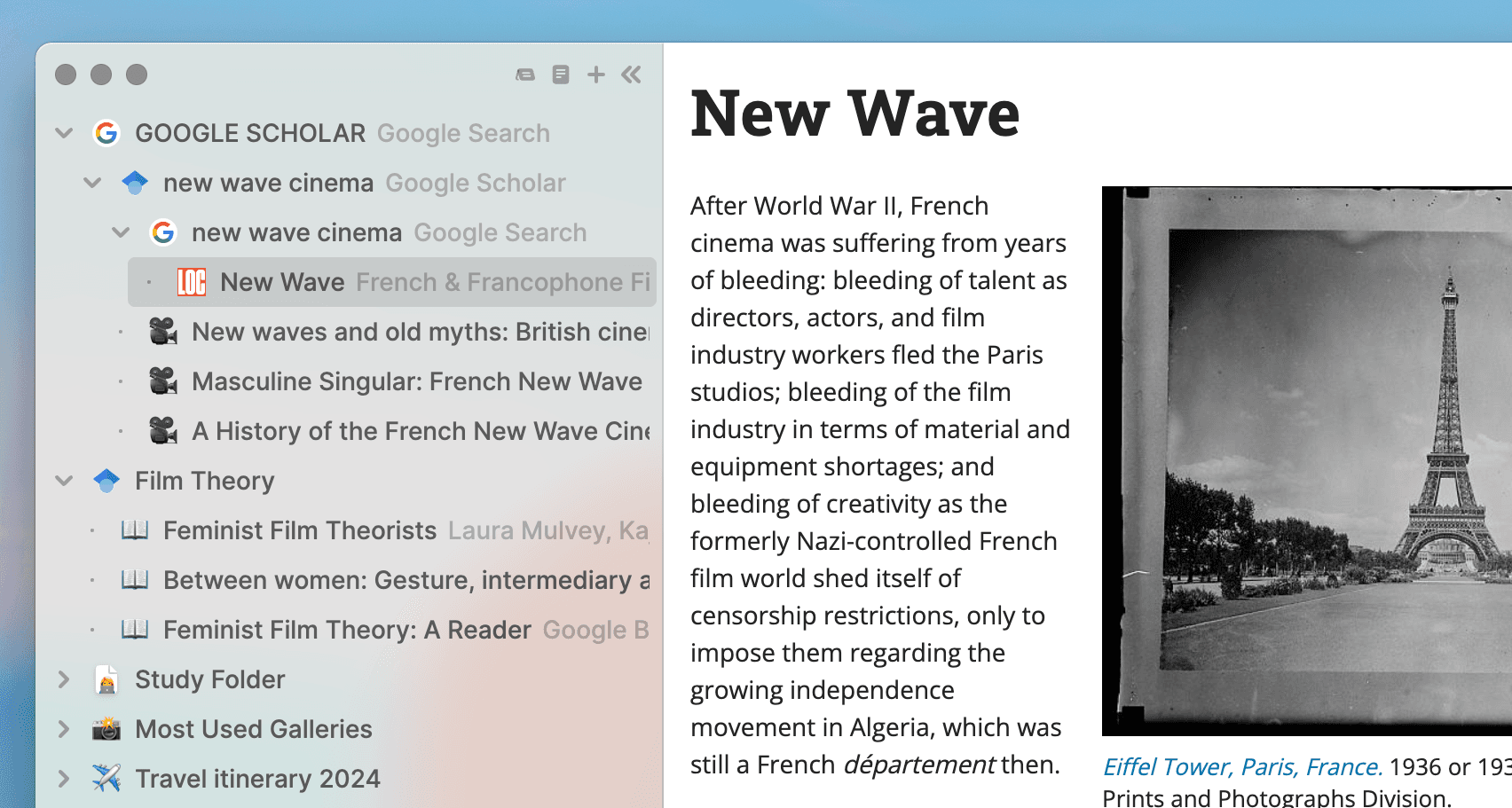
Horse replaces tabs with Trails. Open a search result and it branches beneath the search. Follow a citation and the cited page branches beneath the source. The structure draws itself as you browse.
Close Horse and return tomorrow with the same Trail waiting. The assignment can survive dinner, sleep, another class, and the deeply unreasonable interruption of life continuing to happen.
Useful study features include:
- Persistent Trails: Sources and their relationships survive restarts.
- Folders and Trailheads: Keep modules, essays, and research questions separate without deleting anything.
- Built-in Notes: Put a quotation or thought beside the pages that produced it.
- Markdown export: Drag a Trail into your notes or draft as a linked outline.
- Multiple windows: Compare pages across screens while using one shared set of Trails.
Horse is a paid annual browser for Mac, Windows, and Linux. It is best when the school-work problem is not access to information but finding your way back into the task.
Try Horse free for two weeks. Use it on one real assignment and let the sidebar prove the mechanism.
Microsoft Edge: Best for PDFs and Read-aloud

Edge is an excellent student browser when coursework arrives as PDFs. Its built-in reader supports annotations and read-aloud, while Immersive Reader can simplify web pages and adjust how text appears.
Collections provide a deliberate place to save pages and notes for an assignment. If your school already uses Microsoft accounts, Edge fits the surrounding machinery with very little ceremony.
Vivaldi: Best for a Custom Study Setup
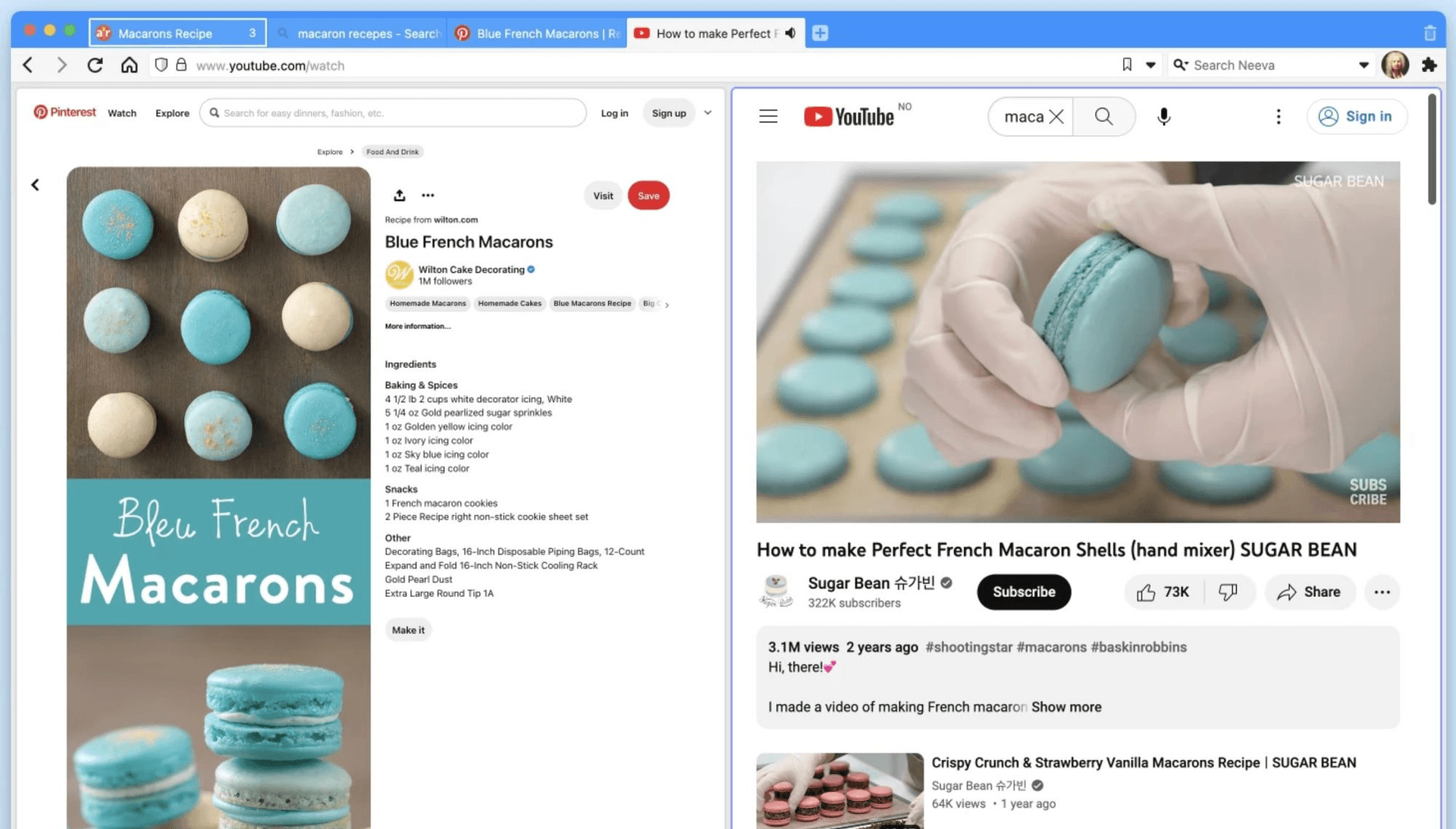
Vivaldi is tremendous when you enjoy shaping tools around your methods. Tile two sources beside each other, separate subjects into workspaces, keep notes inside the browser, move the tab bar, and assign shortcuts until the whole thing resembles a small research vessel.
That customisation is the point. If building the vessel energises you, Vivaldi is an excellent choice. If it delays the essay, pick stronger defaults and launch immediately.
Brave: Best for Privacy and Blocking
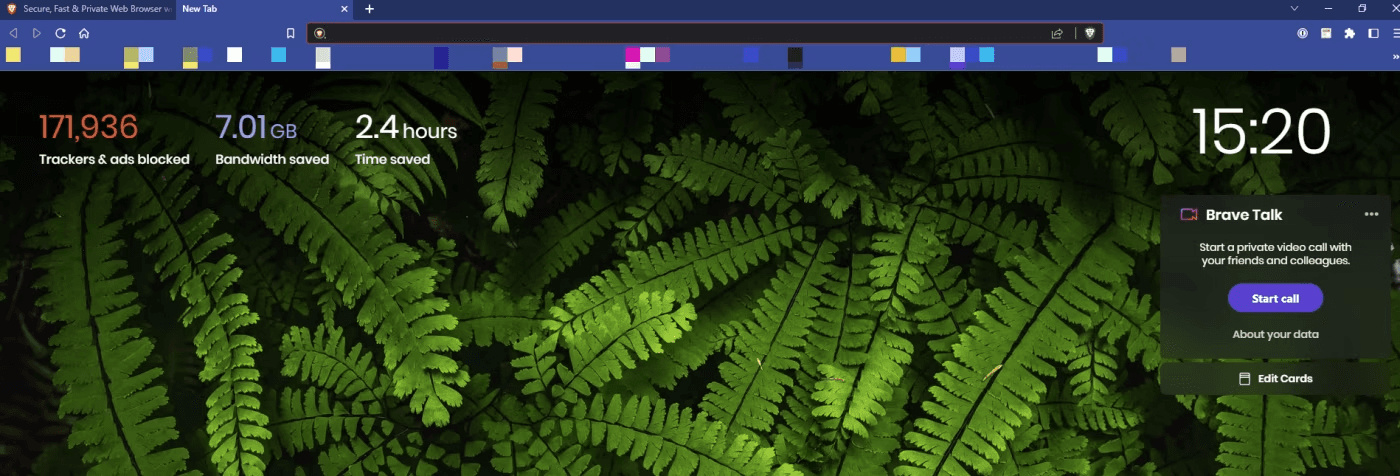
Brave is an excellent choice when privacy and a quieter web are the main jobs. Its built-in Shields block many ads and trackers without requiring a separate extension, while Chromium compatibility keeps websites and Chrome extensions familiar.
Brave uses ordinary tabs, including a vertical option. Pair it with the tab or study extensions you like when you want strong blocking without changing your browser’s complete navigation model.
Choose the Browser for the Job
Use Edge when reading and marking up course documents dominates the day. Use Vivaldi when side-by-side comparison and a custom environment matter most. Use Brave when privacy and blocking are the priority. Use Horse when a tangent or interruption keeps erasing the path back into your assignment.
All four are good browsers. The winner is the one that moves a real piece of cognitive work into the machine, then gets out of the way while you finish the thing.