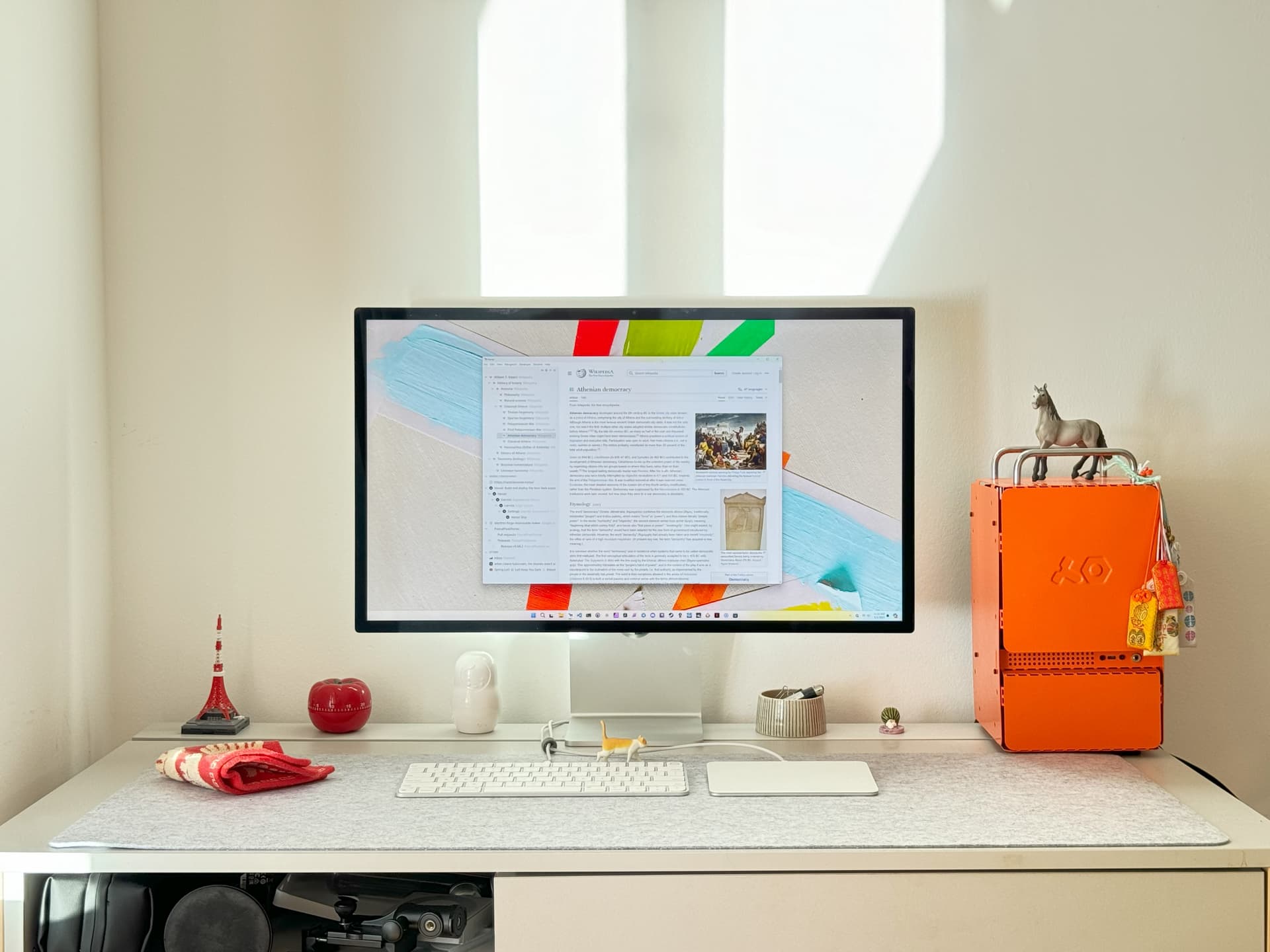
Hello Riders,
Why we needed a PC
Elly and I constantly "dogfood" Horse Browser, which means we use the thing we built so we can suffer the same way our users do. It’s how you find the bugs nobody reports, the ones that aren’t bad enough to email about but are bad enough to make someone quietly switch to Chrome.
I run Linux on my Apple Silicon Mac thanks to the heroic engineers at Asahi Linux. What I did NOT have, until recently, was a modern Windows PC. Which means whenever a Windows user reported a bug¹, I’d nod sympathetically into the void and have no idea what they meant.
I needed to acquire the power of the ancients. The red-hot technology covered in fans known as x86_64. But I refused to acquire it in the form of those large RGB-lit metal coffers commonplace at altars across the land². I needed something adorable. Something colorful. Something I would not be embarrassed to put on the shelf next to a small ceramic pig.
Thus, after some scheming: Orangeboy. A mini-ITX PC with a mid-range processor and a low-profile GPU, mirroring the average Windows user’s specs. Small enough to ignore. Powerful enough to do the job. The right shape.
Building Orangeboy
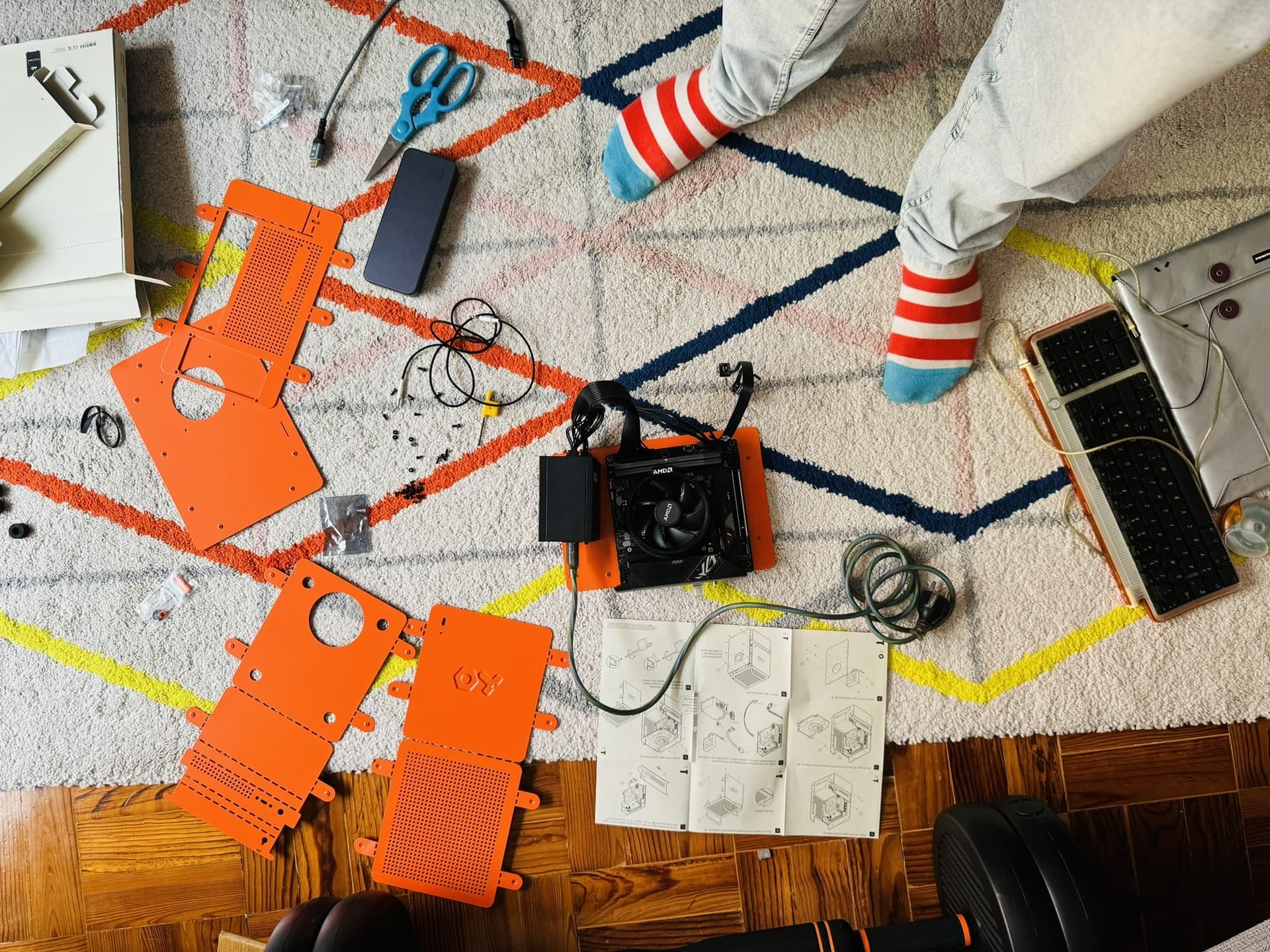
I shared the build photos on Reddit, which you can browse here. I went in mildly worried, since my last hands-on PC experience was opening an IBM i386 in the early '90s with a screwdriver and the optimism of a child who didn’t yet know about static electricity.
The local computer store was certain it couldn’t be done³. I left politely, opened Amazon, and proceeded with ChatGPT as my chaperone, confirming whether each component would, you know, fit⁴.
The build worked. Carrying the result with one hand back to the same computer store, the staff went from mockery to praise upon plugging it in. I accepted this with the dignity of a small ceramic pig.
Components
- Case: Teenage Engineering Computer-1
- PSU: Cooler Master V750 SFX
- Motherboard: ASUS ROG Strix B650E-I
- CPU: AMD Ryzen 5 7600
- RAM: Corsair Vengeance DDR5 32GB
- Storage: Samsung 980 Pro M.2
- GPU: Gigabyte RTX 4060 Low Profile
Switching to Windows
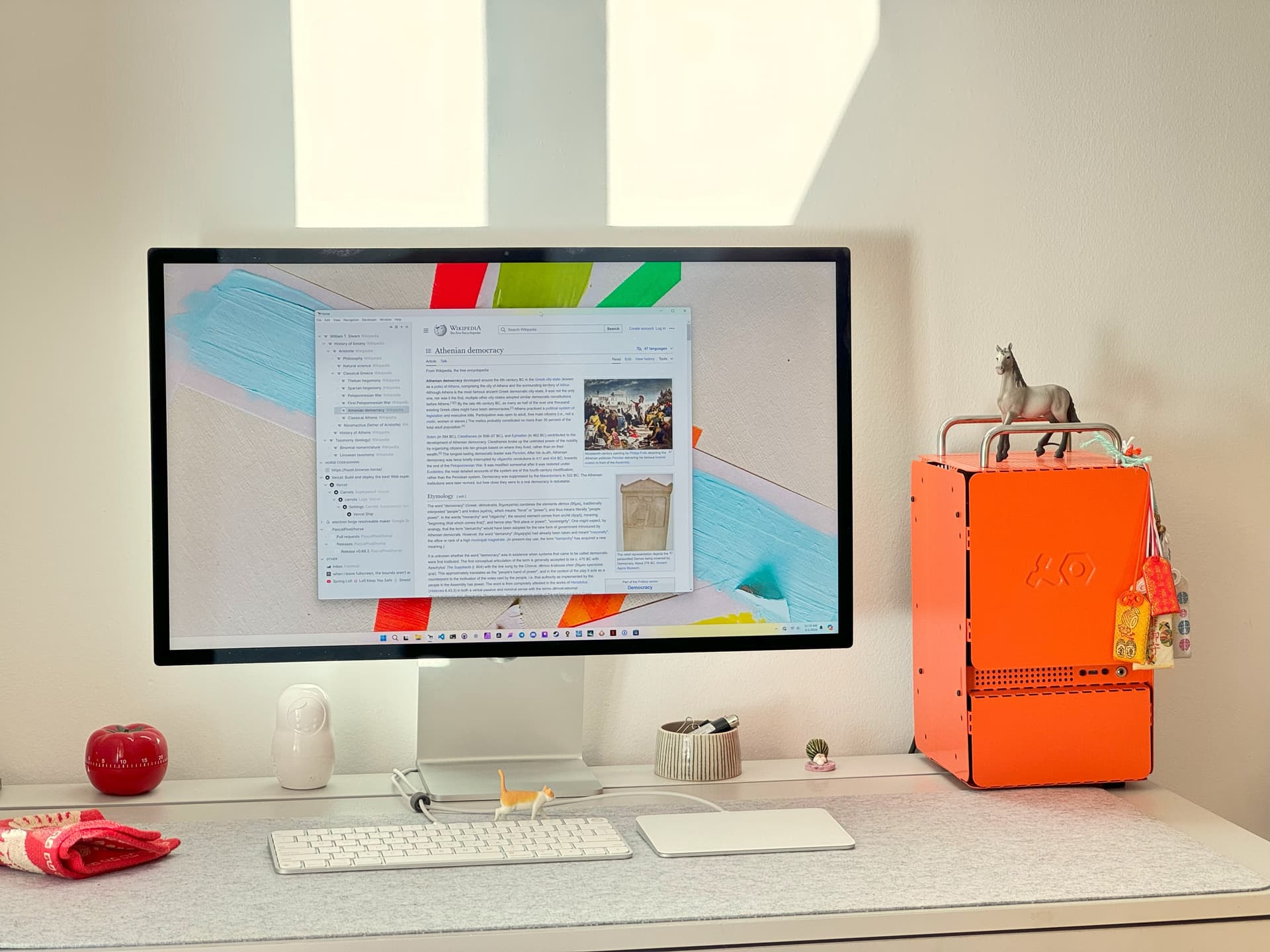
Adjusting to Windows, specifically the Ctrl-based keyboard shortcuts, has been a stretch⁵ for my pinky finger. Each operating system has a "feel" you don’t notice until you switch. Windows is somehow heavier than macOS without being slower. The mouse moves differently. Window management feels like negotiating with a building inspector.
I respect Microsoft for one thing in particular, though: backward compatibility. Old programs from 2003 still run. Old APIs still exist. This makes Horse Browser harder to write⁶, but it also means a Windows user who bought software fifteen years ago can still use it. Which is more than Apple can say about an iPhoto library from 2010.
The truly cursed part of Windows development was code signing. Picture this: a third-party verification vendor asked us to "drop a pin on Google Maps" to confirm our business location. As an alternative to consulting the public business registry of an actual sovereign nation⁷. The pin was dropped. The signing went through. None of this was made up.
The End Result
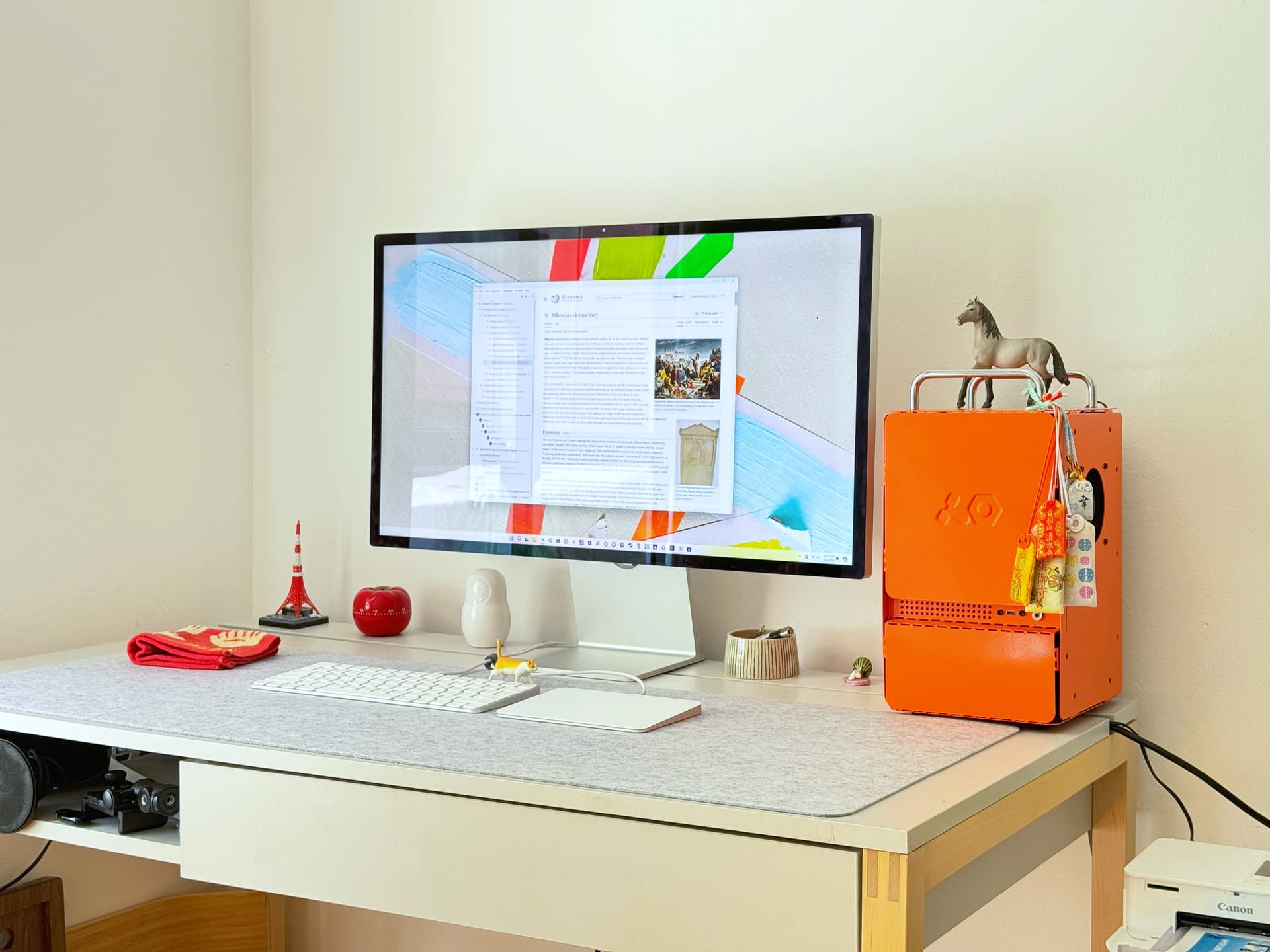
Despite its modest specs, Orangeboy has, ahem, also enabled me to enjoy the finer things in life on the side. Baldur’s Gate 3 runs at a crisp 5K at 60fps, though that’s mostly AI upscaling pretending to be a GPU⁸. The illusion is good enough. We are basically living in the future.
Building Orangeboy worked the IKEA effect on me with terrifying efficiency. By assembling the thing myself, I have successfully been brainwashed into being in love with it. I would defend Orangeboy in court. I would die for Orangeboy. None of this was the goal but I am here for it.
When Horse Browser on Windows looks as nice as it does on macOS, Mica effect, smooth window dragging, the works, Orangeboy will have done its job. Until then it sits on my shelf, glowing softly, judging me when I forget to fix something.
Catch you on the Trail,
Pascal
Notes & references
- "The title bar’s ghost is haunting my second monitor." Real bug report. We have an entire category of these.⤴
- "Have you considered the NZXT H7 Flow with twelve RGB fans", yes. No. Get out.⤴
- "That small case can never be a good PC! You can’t even buy fans that small!"⤴
- This is, I am told, a deeply uncool way to build a PC. I do not care.⤴
- Pun reluctantly acknowledged.⤴
- We ran into legacy XP-era window-sizing offsets that mess with reported window dimensions. Someone, in 2003, made a decision. We’re still paying for it.⤴
- There was a pin. There was a Google Map. There was a moment of staring at the screen wondering if I’d slipped into a parallel universe where governments had been replaced by Google Reviews.⤴
- An RTX 4060 Low Profile is not, in any reasonable sense, a 5K-60fps card. DLSS is doing dishonest, beautiful work.⤴




