This is the first post in the Getting Started series. The whole series exists because Horse doesn’t behave like the browser you’ve been using, and the few minutes it takes to read these posts saves a lot of time later.
This post is the boring one: getting Horse onto your machine.
Download and install
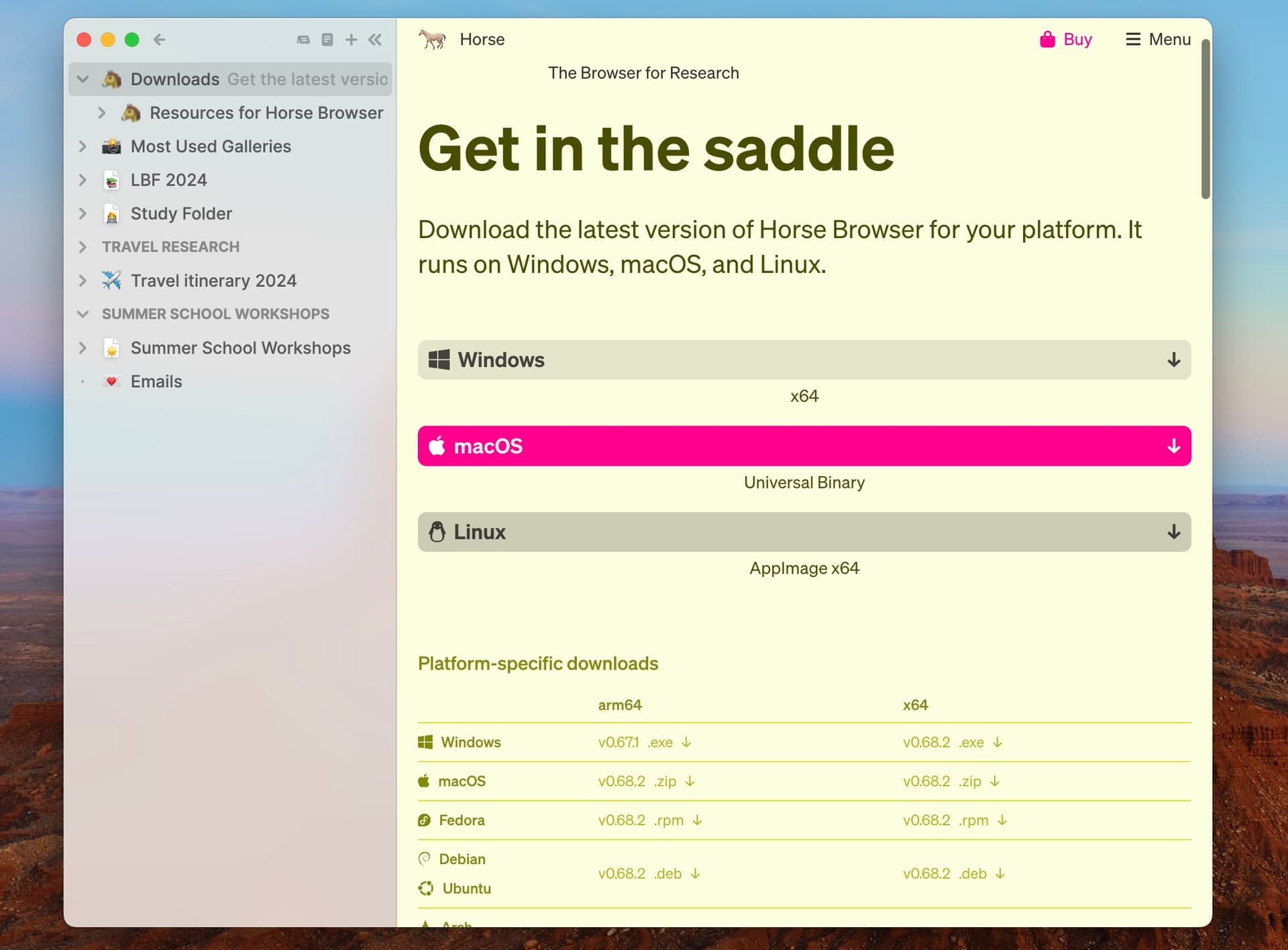
- Go to Downloads.
- Pick your platform. Horse runs on Mac, Windows, and Linux.
- Open the downloaded file and enter the license key you received by email.
Next
Horse is on your machine. The next post is the one that actually changes things, it covers Trails®, which replace tabs and are the reason the rest of the browser feels different.
All posts in this series: