A Trailhead is a top-level container in Horse’s sidebar. It has its own header and holds Trails®, Folders, and Notes. The Trails guide explains how those pages grow beneath one another. Most people end up with one Trailhead for work and one for personal stuff, sometimes a third for a side project.
Creating a Trailhead
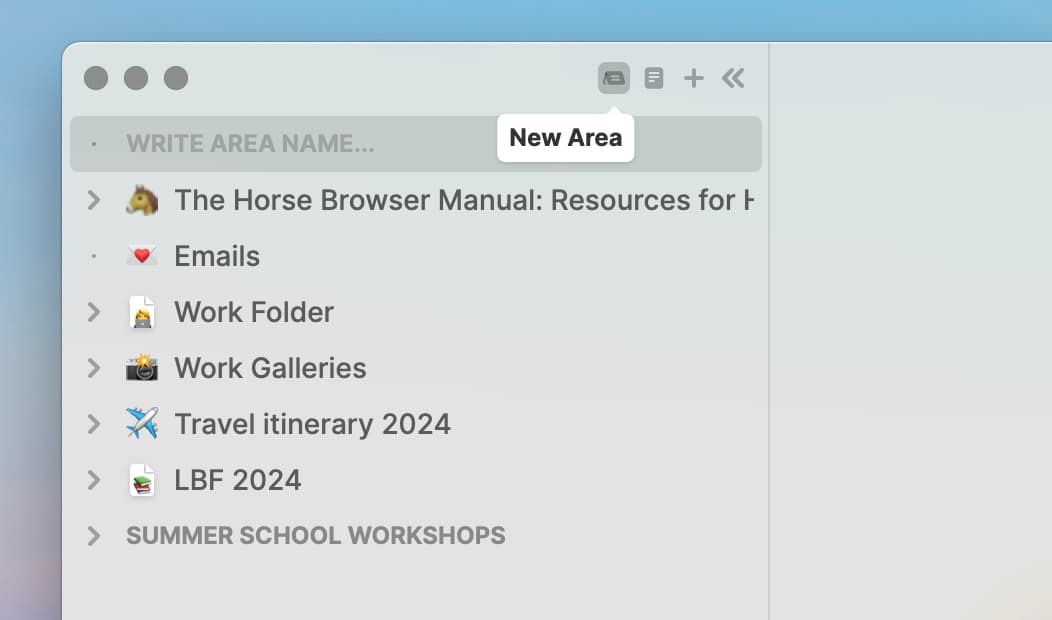
- Click the Trailhead icon at the top-left of the sidebar.
- Type a name and hit ⏎.
- Hover over the Trailhead and click + to add a Sub-Trail. Or use ⌘+T.
- Or just drag existing Trails into it.
More
The Folders guide covers when to reach for a Folder instead, and the Trailheads, Folders and Notes guide covers all three containers together.