
Welcome to the Rider’s Digest, where we share behind-the-scenes updates on Horse and what it’s really like to build an indie browser from scratch.
Hello Riders, We’re back from our annual vacation with a round-up of what’s been happening at Horse Browser, from our notes feature to hate mail and everything in between. Three months of developments in one easy read.
We’ve added 2 new types of Trails: Trailheads and Projects with notes

We’ve recently added two new types of Trail to Horse Browser: Trailheads and Projects. A Trailhead is a Trail with a dedicated header for your sidebar, making it easier to keep your research tidy. Projects are Trails that contain note-making so you can write notes directly in Horse Browser. No need to open a separate notes app. Stay in flow and keep it all in your trusty steed. Check out our new how-to guide to use these features.
We’ve improved Horse Browser on Windows

We’ve been working on making improvements to the Windows version of Horse Browser. Our old Dell was getting a little outdated for testing so Pascal built a PC from scratch that mirrors the average computer. To read more about the build and all the specs, read Pascal’s post. We are now using Horse Browser on this PC so we bump into our own issues. Some of the issues we’ve fixed so far are:
- Fullscreen video fixed
- No more windows defender popups
- Better settings screen
More improvements coming for our Windows users soon. Feel free to let us know about any Windows bugs you’ve come across or post them in our community Discord.
We have new articles to read in Resources
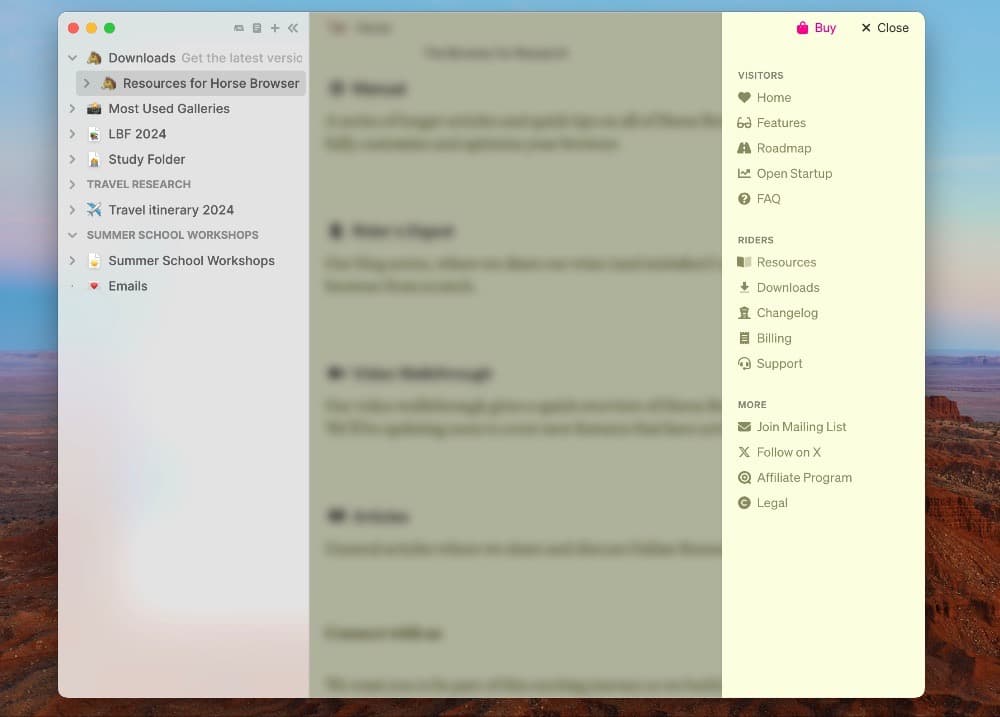
We’ve been adding more articles to our website to show you how to get the most out of Horse Browser and be extra productive. We’ve given the Manual a cleaner layout to make things easier to read. Plus, we’ve just added a Menu to the website to make it easier to navigate. Head over to the Manual to read our new user help articles.
What else has been going on? ⌨️
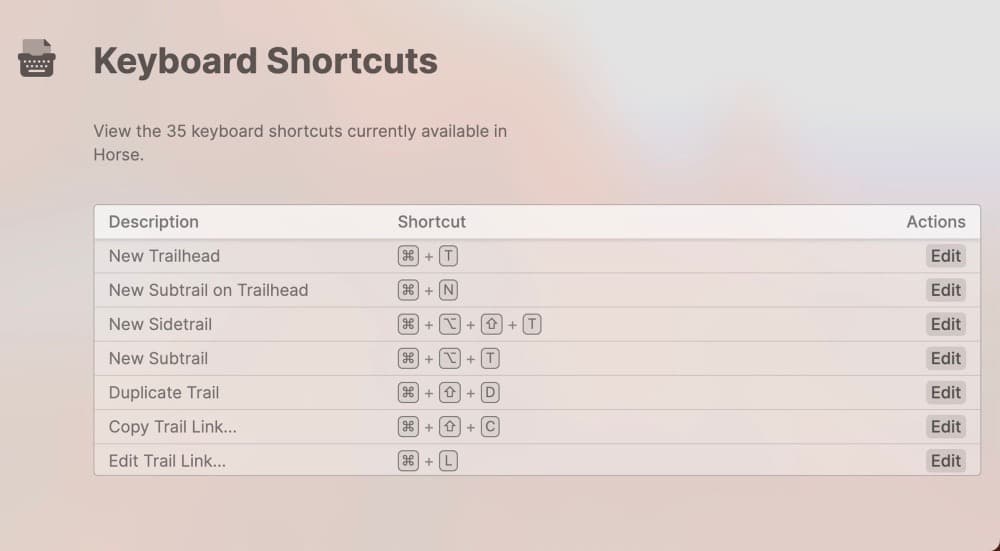
As well as Trailheads and Projects, we’ve recently added configurable keyboard shortcuts to Horse Browser. This was a top request among our power users so we know it’s a pretty important feature for some of our Riders. We hope it’ll help you navigate easier and faster along the Trail.
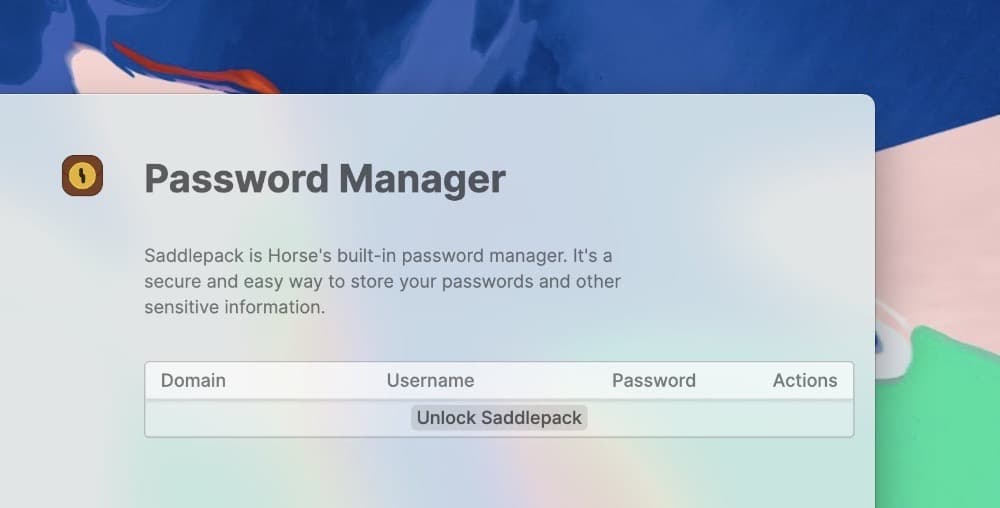
And, in case you missed it, we also recently launched our in-built Password Manager, named Saddlepack. So you can now securely save all your passwords directly in Horse Browser.
When life gives you lemons…

Building in public means you’ll run up against some online negativity. But when we received this hate mail, it was so over-the-top, that we decided to post it online with a funny tweet. People found it hilarious and someone on Twitter suggested we make a promo code named ‘HORSESHIT’. We were really happy to welcome new ‘incredibly and undeniably stupid’ riders to our ‘so-called browser’.
In all seriousness, thank you to everyone who used the code and sent us funny replies! 🐎🥹
Catch you on the Trail,
Pascal & Eleanor